How To Grant Root Permission To MT Manager?
Android is known for its flexibility, but by default, users only get limited access to the system. To unlock full control, developers and advanced users rely on root access, which is similar to administrator rights on a computer. One of the most popular tools in the Android customization community is MT Manager.
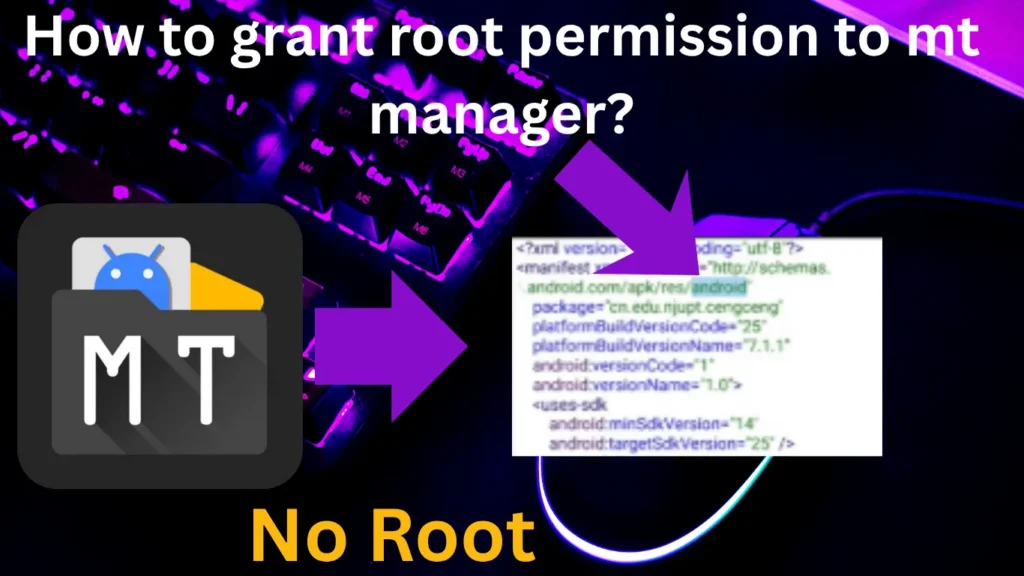
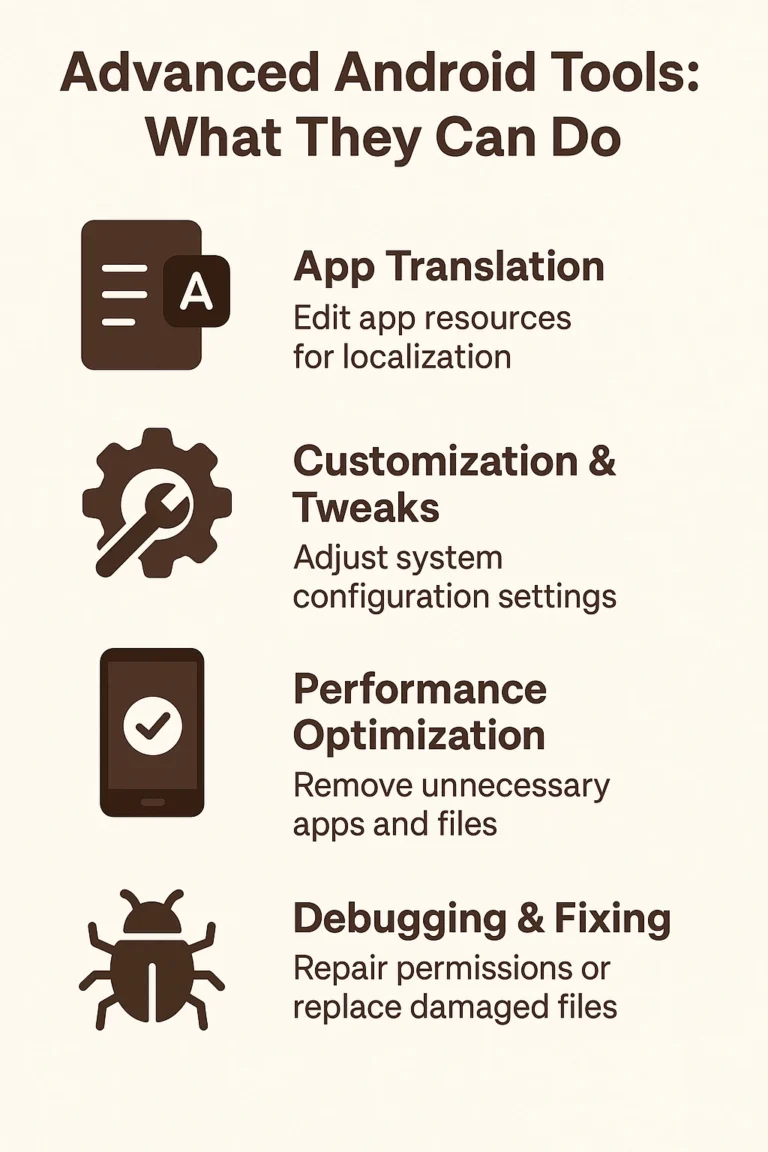
MT Manager is widely used for APK modification, file management, and code editing. Even without root, it is powerful enough for translating apps, modifying resources, and managing files. However, when you grant root permission to MT Manager, it transforms into a much more powerful tool that gives you access to protected areas of the system and allows advanced modding.
What Does Grant Root Mean?
Root is the superuser account on Android, allowing apps to perform operations that normal apps cannot. Granting root to the MT Manager means you are allowing it to use those administrator privileges.
Without root, MT Manager works like an advanced file explorer and APK editor. With root, it can dig deeper into the operating system, directly edit installed apps, remove system bloatware, and even change core system files.
Why Grant Root to the MT Manager?
Here are the main reasons why users grant root permission:
Access Protected Directories:
Normal users can’t open the system or data, but root allows MT Manager to read and write inside them.
Modify Installed Apps:
Instead of extracting and reinstalling APKs, you can directly edit apps in the data app.
Bloatware Removal:
Many devices come with pre-installed apps that can’t be uninstalled without root. MT Manager with root makes it easy.
Advanced Modding:
Developers and modders can change Smali code, patch resources, or adjust app behaviors in real time.
Features of Granting Root
Granting root brings several exclusive features:
System Partition Access:
Read, write, copy, or delete files in the system, vendor, and data.
Direct APK Modification:
Edit apps directly without uninstalling them.
System App Control:
Remove, disable, or replace apps that come with the phone.
Smali Editing in Place:
Make changes to app code directly inside the installed APK.
File Permission Management:
Use change mode to set file permissions and change owner to change file ownership.
Real-Time Resource Editing:
Modify XML, manifests, or resources live without full repacking.
Customization Freedom:
Apply, remove ads, bypass restrictions, or customize system behavior.
How to Grant Root to the MT Manager?
Install MT Manager:
Download and install MT Manager APK.
Request Root Permission:
Open MT Manager, and it will try to access protected directories. A pop-up will appear asking for root access.
Grant Permission:
Tap Grant / Allow. Optionally set it to “Remember choice.”
Verification:
Go to MT Manager, Settings, Root Permission.
Use Cases of Grant Root in MT Manager
FAQs
Disclaimers
Rooting and granting root permissions involve serious risks. It may:
Conclusion
Granting root permission to MT Manager transforms it from a powerful file manager and APK editor into a complete system-level customization tool. With root, you can edit installed apps, access system directories, and apply real-time patches, giving you ultimate control over your Android device.
At the same time, this power requires responsibility. Misuse of root features can lead to errors, crashes, or even a bricked phone. If used wisely, MT Manager with root is one of the best tools for developers, modders, and advanced users who want full freedom over their device.