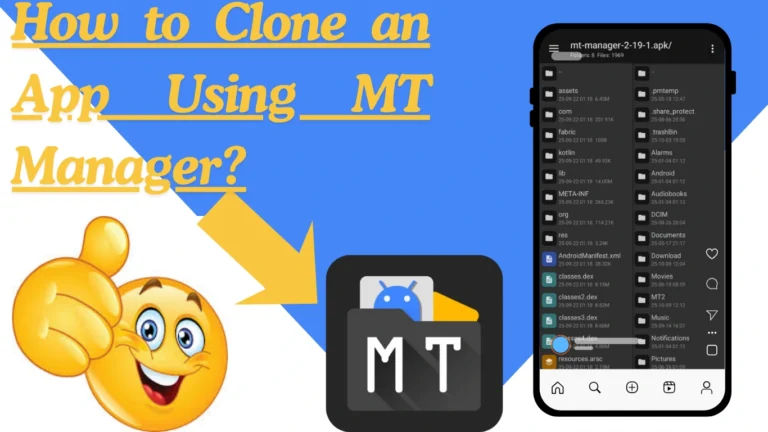
How To Decompile APK Using MT Manager?
If you ever wanted to know how Android apps work inside, or you want to edit and customize an app for learning purposes, then MT Manager is one of the best tools to use. It allows you to open, edit, and even rebuild APK files directly on your Android phone without needing a computer.
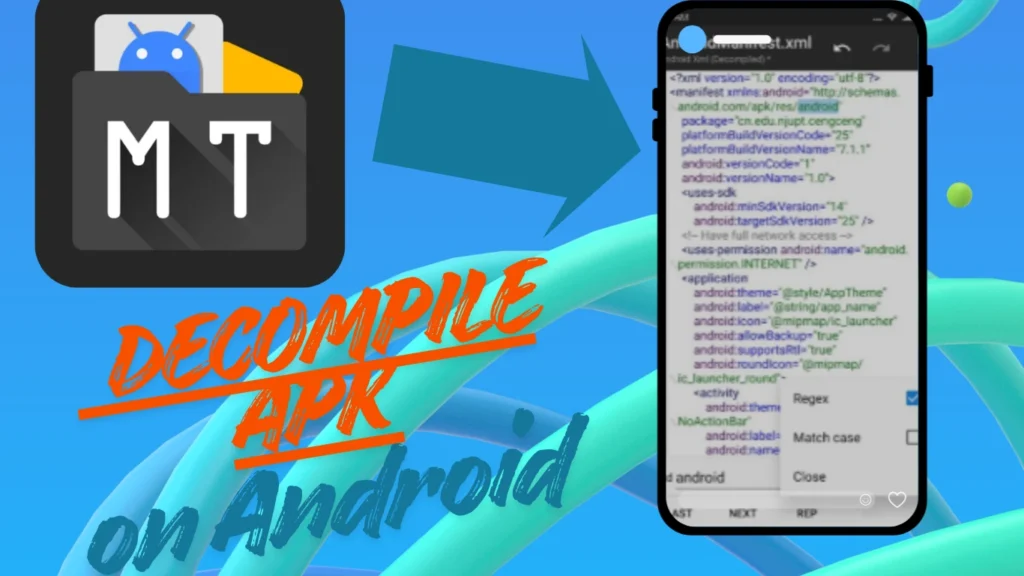
In this article, we’ll explain in simple words how to decompile an APK using MT Manager, what it means, how it works, and what you can do with it.
What Is Decompiling an APK?
An APK is the file type used by Android apps. It contains everything the app needs: code, images, layout, text, and other files.
Decompiling means opening the APK so you can see what’s inside and even edit it. When you decompile, you turn the app’s compiled files into readable and editable files. This is useful for:
Decompiling is often used by developers and Android learners to understand app structures better.
What Is MT Manager?
MT Manager is a powerful file manager and app editor made for Android devices. It’s used for editing APKs, changing text files, managing folders, and more. Unlike many other tools, you can do everything directly on your phone, without using a PC.
Some of its main features include:
Why Decompile an APK?
People decompile APKs for several reasons:
How to Decompile APK Using MT Manager?
Follow these simple steps carefully to decompile any APK file with MT Manager.
Install MT Manager
Download the latest version of MT Manager from the official website or a trusted source.
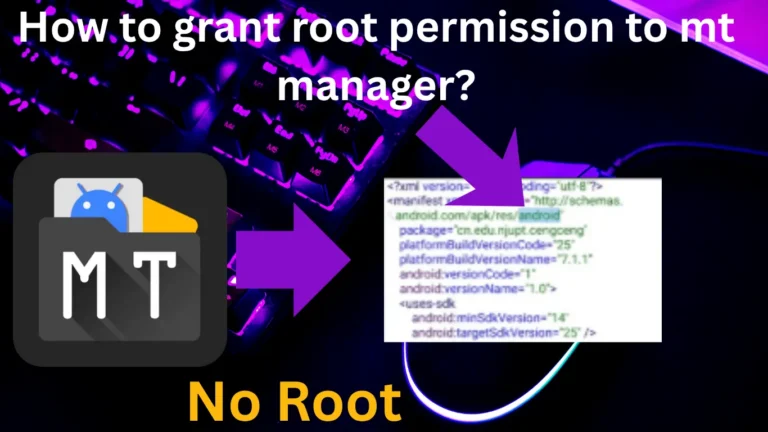
If you want to edit system apps, you may need root access, but for most normal APKs, root is not required.
Open MT Manager and Find the APK
Launch MT Manager.
Choose the “Decompile” Option
When you tap the APK, a small menu will appear. You’ll see options like: View, Decompile, Sign, Clone, Copy, and choose “Decompile”.
MT Manager will now unpack and decompile the APK. It may take a few seconds, depending on the file size.
Explore Decompiled Files
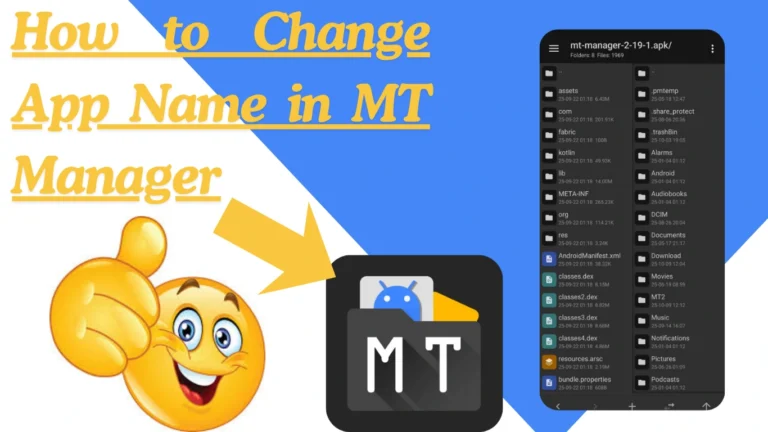
Once decompiled, you’ll see several folders and files such as:
You can open any of these files to explore or edit them.
Edit Files (Optional)
You can now make changes inside the app:
Make sure you do not delete or rename important files. Always keep a backup before editing.
Recompile the APK
After editing, it’s time to rebuild your modified APK.
MT Manager will rebuild the app and show a message like “Recompile Success” when it’s done.
Sign the APK
Every Android app must be digitally signed before you can install it.
Key Features That Help in Decompiling
Tips for Safe Decompiling
Always back up the original APK before making changes.
FAQs (Frequently Asked Questions)
Disclaimer
Conclusion
MT Manager is one of the most powerful Android tools for editing and decompiling APKs. It gives you full control to look inside apps, learn how they work, and even make changes all from your phone. Decompiling with MT Manager is not difficult if you follow the steps correctly: