How To Mod APK Using MT Manager?
In today’s digital world, mobile applications have become an important part of our daily lives. Whether it’s for communication, entertainment, education, or gaming, there’s an app for almost everything. Most of these apps come as APK files (Android Package Kit) that you download from the Google Play Store or other sources.
However, many apps include limitations such as ads, locked premium features, or permissions that you might not be comfortable with. This is where the concept of Mod APK comes in. A Mod APK is simply a modified version of an original application that gives users more freedom and control.
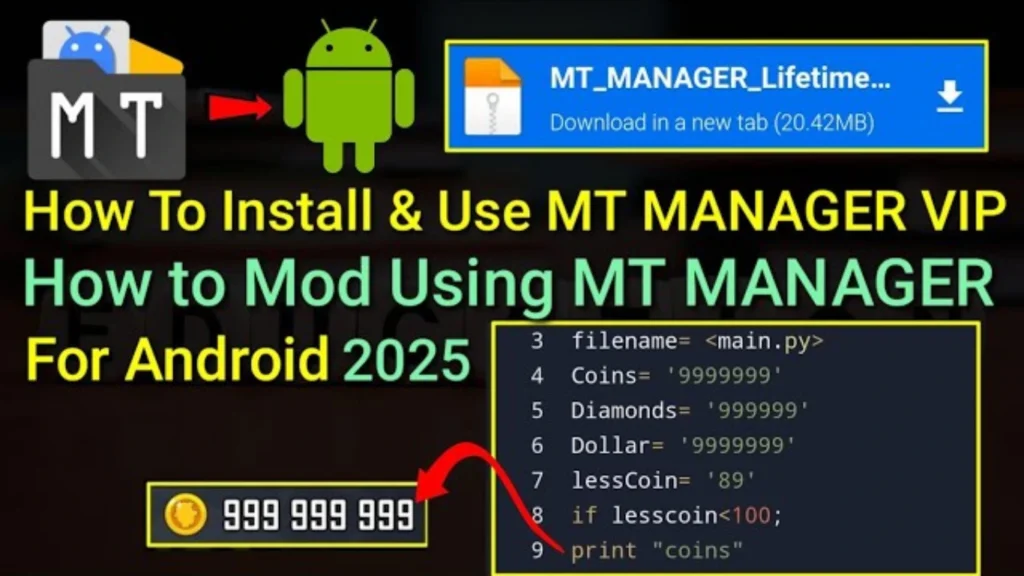
Among the different tools used for editing and creating Mod APKs, MT Manager is one of the most powerful and user-friendly options. It is a versatile Android tool that lets you decompile, edit, rebuild, and sign APK files directly on your phone. With MT Manager, you don’t need a PC or complicated software – everything can be done right on your mobile device.
In this article, we’ll explore what a Mod APK with MT Manager is, its main features, step-by-step usage, a comparison with normal APKs, some frequently asked questions, and a conclusion.
What is Mod APK with MT Manager?
A Mod APK with MT Manager is an application that has been altered using the MT Manager tool. Instead of using the app as the developer originally designed it, you can customize it according to your preferences.
For example:
This makes MT Manager a favorite choice among people who want to learn about app customization, practice coding, or simply enjoy a smoother, ad-free experience on their phones.
Features of Mod APK with MT Manager
Here are the most common and useful features you can get by creating a Mod APK using MT Manager:
Ad-Free Experience
Remove unwanted advertisements and pop-ups for smooth usage.
Unlocked Premium Features
Access paid tools, filters, or levels without subscriptions.
Custom UI & Text Editing
Modify app names, buttons, or warning messages.
Resource Modification
Replace images, icons, sounds, or layouts with your own.
Permission Control
Easy Rebuild & Sign
Recompile and sign the APK so it’s installable.
Performance Tweaks
Disable unnecessary background services for better speed.
Learning Purpose
A great tool for beginners to understand how apps are structured.
All-in-One Tool
Works as both a file manager and an APK editor.
How to Create a Mod APK with MT Manager
Install MT Manager
Download and open the app on your Android phone.
Locate APK File
Find the APK you want to modify using the built-in file manager.
Decompile APK
Open or decompile the APK to view its resources and code.
Edit Resources
Change texts, icons, permissions, or Smali code depending on your goal.
Rebuild APK
Compile the modified files back into an APK.
Sign APK
Use the MT Manager’s signing tool so Android can install it.
Test the Mod APK
Install it on your phone and check if the modifications work.
FAQs – Mod APK with MT Manager
Disclaimer
This article is for educational purposes only. Modifying APKs should only be done for personal learning and customization. Using Mod APKs to bypass payments, distribute hacked apps, or misuse someone else’s work is illegal and unethical. Always respect the rights of developers.
Conclusion
MT Manager is more than just a file manager — it’s a complete toolkit for anyone who wants to explore the world of Android app modification. By creating a Mod APK with MT Manager, you can remove restrictions, unlock premium content, personalize app designs, and even learn how apps work under the hood.
While normal APKs lock you into the developer’s settings, a Mod APK created with MT Manager gives you control, flexibility, and customization. Just remember to use it responsibly and only for personal or educational purposes.